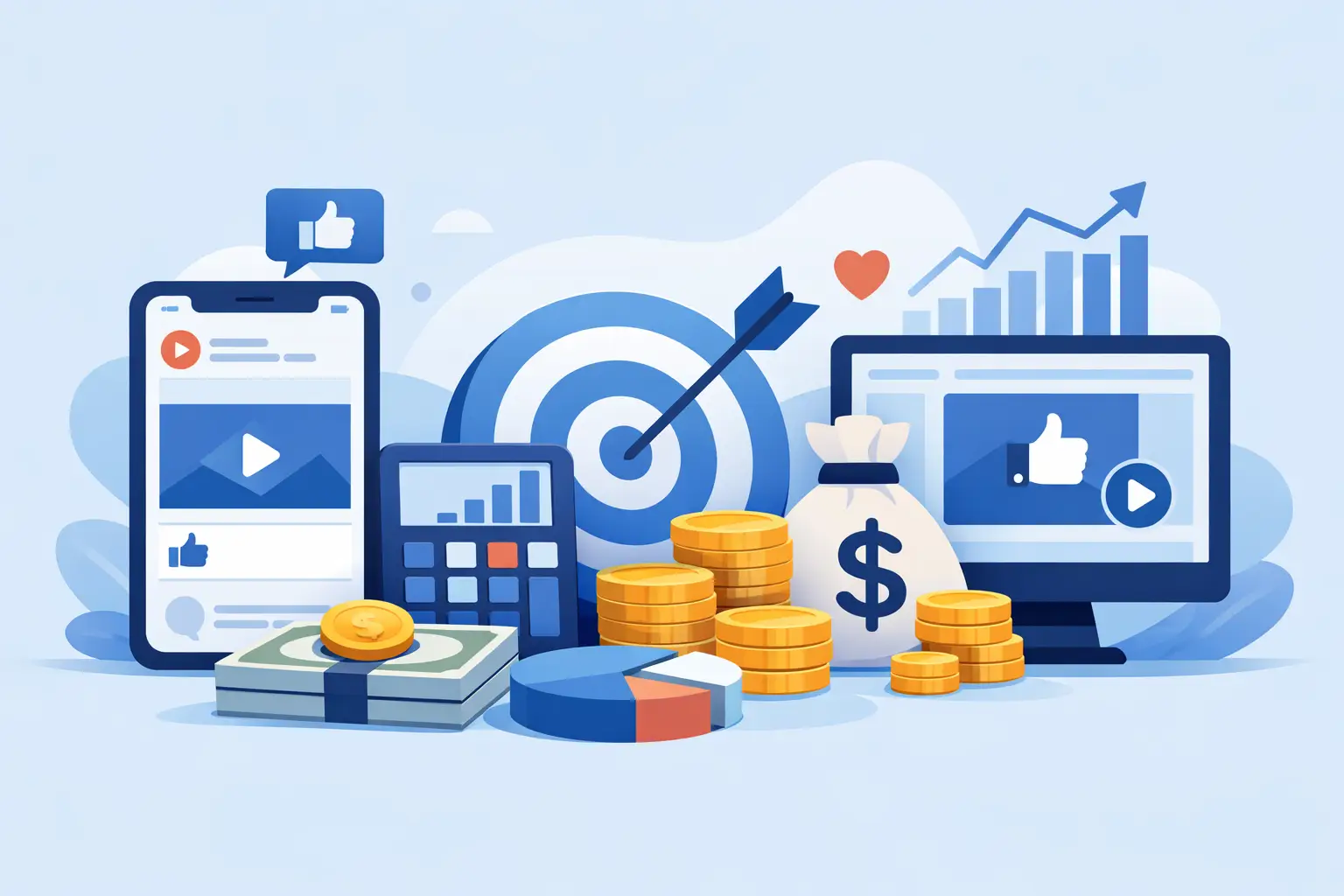
A Facebook ads budget for beginners does not need to be hundreds of dollars. For most small businesses, freelancers, and new marketers, the goal is to spend enough to learn what works without paying for expensive mistakes. A controlled $70 to $150 test can tell you far more than a single $10 ad run with no plan.
The mistake is not starting small. The mistake is starting small without deciding what result you need, how long you will test, and what numbers tell you to keep or stop an ad. Use this guide to set a practical budget, run your first test, and make better decisions with your money.
Start With One Clear Goal
Your budget depends on what you want the ad to do. Do not run an ad simply to get attention. Pick one outcome that can help your business grow.
If you need potential customers, run a lead campaign that sends people to an instant form or a simple landing page. If you sell a low-cost digital product, use a sales campaign and track purchases. If your business is new and you do not yet have an offer or a working page, start by collecting leads instead of trying to force immediate sales.
A lead campaign usually gives beginners more data for a smaller budget. A purchase campaign can work, but it often takes more spend before you know whether your offer, page, and ad are converting. The right choice depends on your offer and what happens after someone clicks.
For example, a local service business might offer a free estimate through a lead form. A course creator could offer a free checklist, then follow up by email with a paid beginner course. Both approaches create a clear next step instead of hoping a stranger buys immediately.
A Simple Facebook Ads Budget for Beginners
A good starting point is $10 to $20 per day for one campaign, one ad set, and two or three ad variations. Run it for at least seven days before making major changes, unless the ad is clearly attracting the wrong people or spending with no useful action.
That means your first test will usually cost:
- $10 per day for 7 days = $70
- $15 per day for 7 days = $105
- $20 per day for 7 days = $140
If $70 feels too high, do not cut the campaign to $2 per day and expect meaningful results. At very low daily budgets, delivery can be slow and the data can be too limited to guide your next move. Instead, wait until you can fund a focused seven-day test.
For many beginners, $10 a day is enough to start learning. Choose $15 to $20 a day if you are in a competitive market, target a large area, or need results faster. Do not spread that money across five audiences and six ads. A small budget needs focus.
Use This Budget Setup for Your First Campaign
Keep the structure simple. Complexity makes it harder to see what caused a good or bad result.
Create one campaign based on your main goal. Inside it, use one ad set with one clearly defined audience. Then add two or three ads that promote the same offer but use different hooks, images, or opening lines.
For example, imagine you sell a $29 social media template pack for small business owners. Your setup could look like this:
- Campaign goal: Sales or leads, depending on your checkout and tracking setup
- Daily budget: $15
- Audience: Small business owners in the United States interested in social media marketing
- Ad 1: Focuses on saving time creating posts
- Ad 2: Focuses on getting more consistent leads from content
- Ad 3: Uses a customer problem, such as “Still staring at a blank content calendar?”
This gives Meta a clear job and gives you enough variation to compare the message. Keep the offer the same during the first test. If you change the audience, ad copy, image, price, and landing page all at once, you will not know what actually improved the result.
Know Your Maximum Cost Before You Spend
A budget only makes sense when you know what a lead or sale is worth to you. Start with simple math.
If you sell a $50 product and make $35 after fees, ads, and delivery costs, you cannot keep paying $40 for each sale. Your ad cost needs to stay below your profit target. If you are building an email list, estimate how many leads typically become customers.
Say 1 out of every 10 leads buys your $50 product. If your profit per sale is $35, each lead is worth about $3.50 before you consider repeat purchases. In that case, paying $2 to $3 per lead may be workable. Paying $8 per lead probably is not, unless your follow-up process improves or customers buy again later.
You do not need perfect numbers on day one. Set a starting limit, then adjust it as you collect real results. This is better than judging an ad by likes, comments, or how polished it looks.
What to Watch During the First Seven Days
Do not check your campaign every hour. Early results can move around, especially with a small budget. Check once a day and look for patterns.
For lead campaigns, focus on spend, cost per lead, lead quality, and the number of people who take the next step. A cheap lead is not useful if the person never opens your emails, has no interest in your offer, or enters fake details.
For sales campaigns, watch purchases, cost per purchase, checkout activity, and landing page views. If people click but do not buy, the issue may be your product page, price, or offer – not necessarily your ad.
Here is a practical way to respond:
If an ad gets clicks and leads at a cost you can afford, leave it running. If one ad consistently performs better than the others after several days, pause the weaker versions and keep the winner. If nobody clicks, test a stronger hook, clearer benefit, or more relevant visual. If people click but do not convert, fix the page before increasing the budget.
Avoid editing a campaign every day. Frequent changes can disrupt delivery and make the results harder to read. Let your test gather enough information, then make one intentional change at a time.
When to Increase Your Budget
Scale only after you have a result worth scaling. That means you are getting leads or sales at a cost that works for your business, and the result has held steady for several days.
Increase the daily budget slowly, usually by 20% to 30% at a time. If a $10-per-day campaign is producing affordable leads, move it to $12 or $13 per day. Give it another few days before increasing again.
Jumping from $10 to $100 per day can change how the platform delivers your ads and may push spending into less responsive parts of your audience. Bigger budgets can work, but they also make losses happen faster. Slow scaling gives you more control.
There is one exception: a limited-time promotion with proven results and a clear profit margin. Even then, set a total spending cap so a technical issue or weak day does not consume more than you planned.
Common Beginner Budget Mistakes
The first mistake is using too many ad sets. Each ad set needs budget to reach people and produce data. With $15 a day, one focused audience is usually smarter than three audiences receiving $5 each.
The second mistake is spending money before the follow-up is ready. If you generate leads, make sure your form, thank-you message, email sequence, or sales call process is in place first. Paying for leads you never contact is wasted spend.
The third mistake is treating every result as an ad problem. A weak offer, confusing landing page, slow mobile experience, or unclear call to action can stop conversions even when the ad itself is doing its job.
Finally, do not use your entire monthly budget on the first campaign. Keep part of it aside for the next test. Your first campaign may reveal that a different offer, audience, or message is the better opportunity.
Build Your Budget Around Learning, Not Guessing
Start with an amount you can afford to test for seven days, keep your campaign focused, and measure results against a real cost limit. For many new advertisers, that means beginning at $10 to $20 per day rather than chasing a magic number.
Your first ad does not need to make your business overnight. It needs to show you what people respond to, what they ignore, and where your next dollar has the best chance of producing a lead or sale. That is how a small budget becomes useful marketing data instead of an expensive guess.















0 Comments